Atlas DCIM
Data center infrastructure management that gets out of your way. Open the rack you need, see the truth about it, make the change, and get back to the work. Built by people who do this job every day, for people who do this job every day.
Other DCIMs treat the operator's screen as Phase Two. Atlas treats it as the whole product.

What you get
Fast enough to disappear
Find what you need at the speed you can read it. The rack view opens before your eyes refocus. The search returns before you finish typing. The tool stops being something you wait on, and starts being something you think with.
The rack view that matches the rack
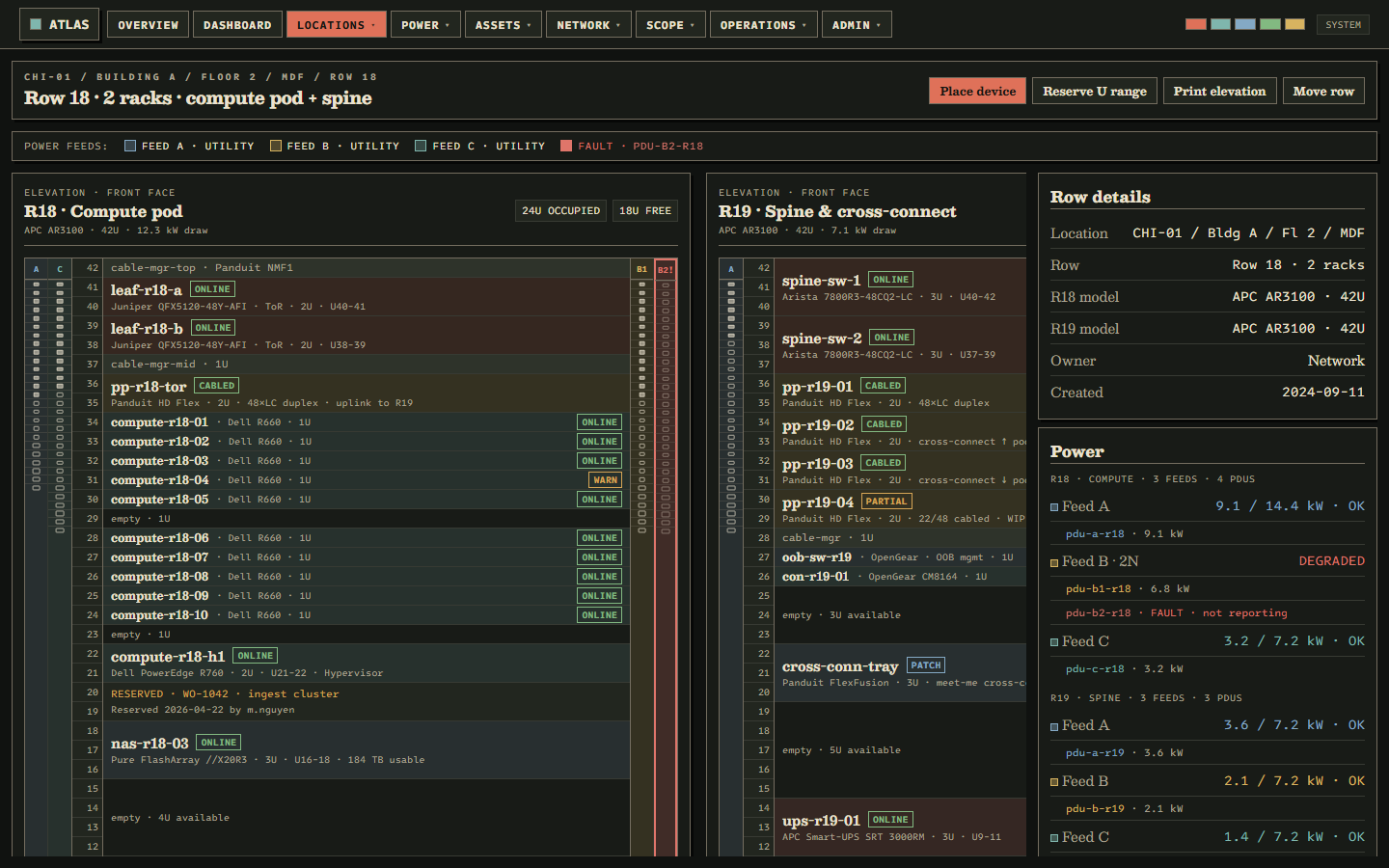
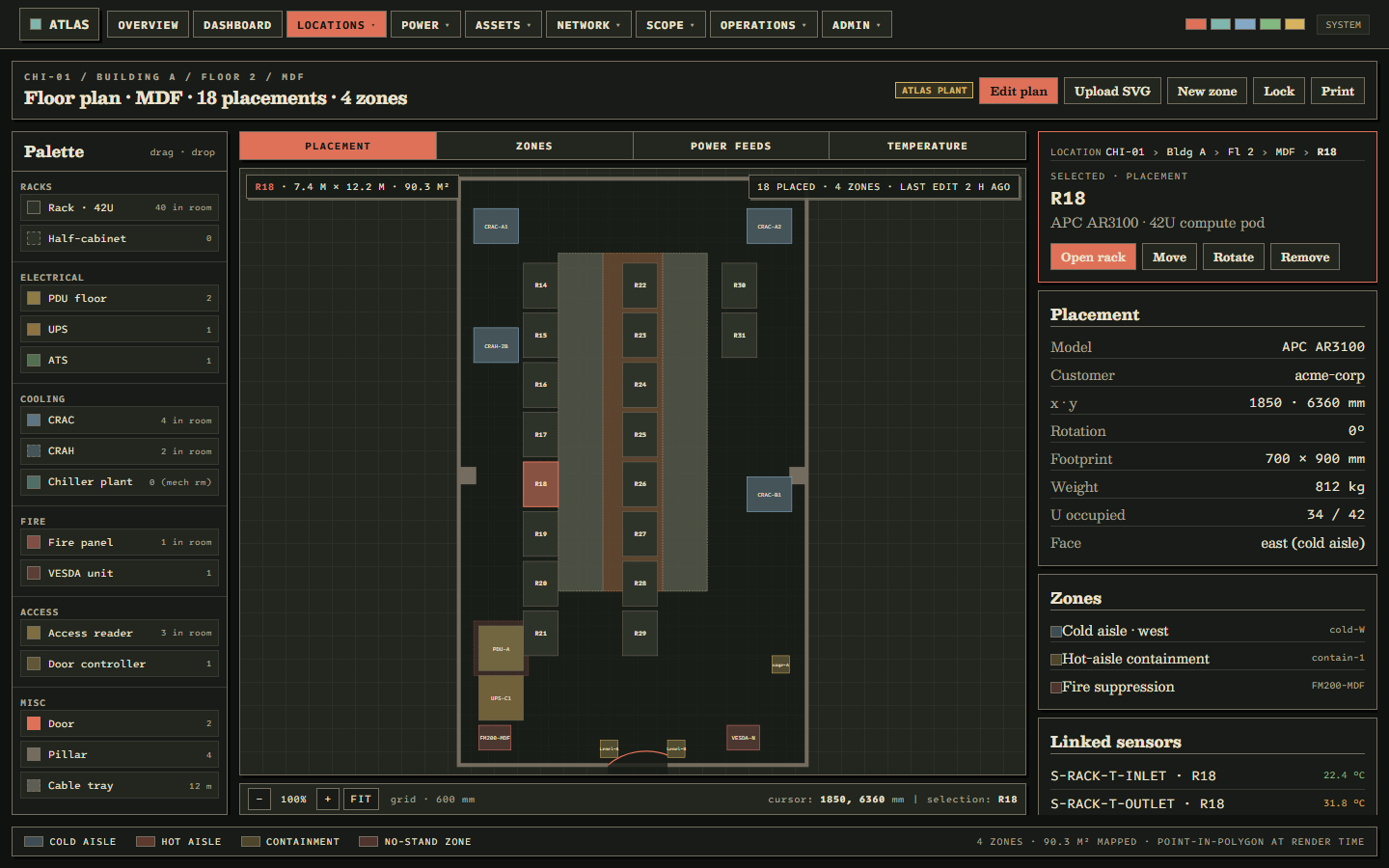
Every U, every port, every cable, every outlet, in the order you read them on the floor. The picture on the screen is the picture in your head, not a stylized cartoon of it.
Power and heat you can trust
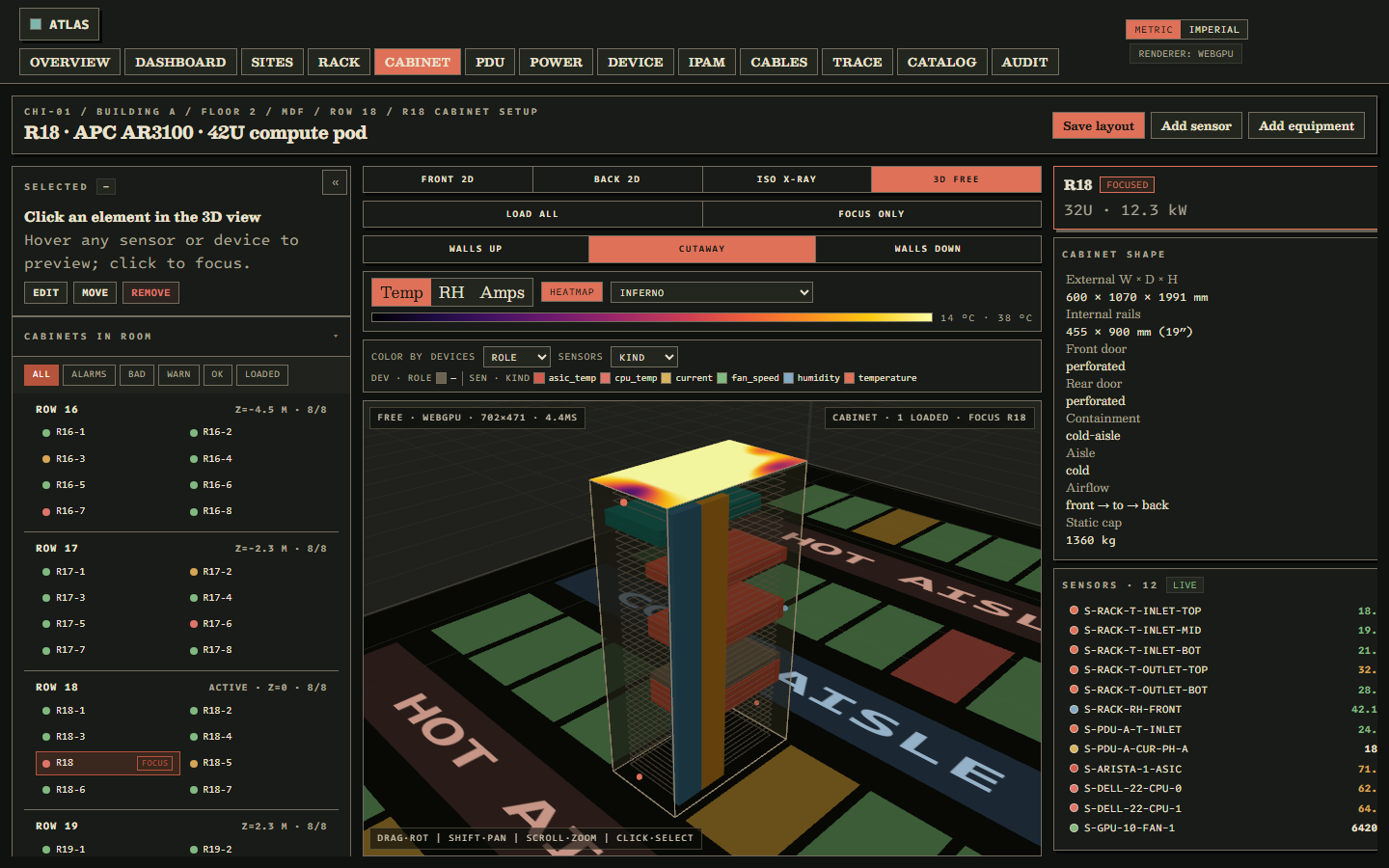
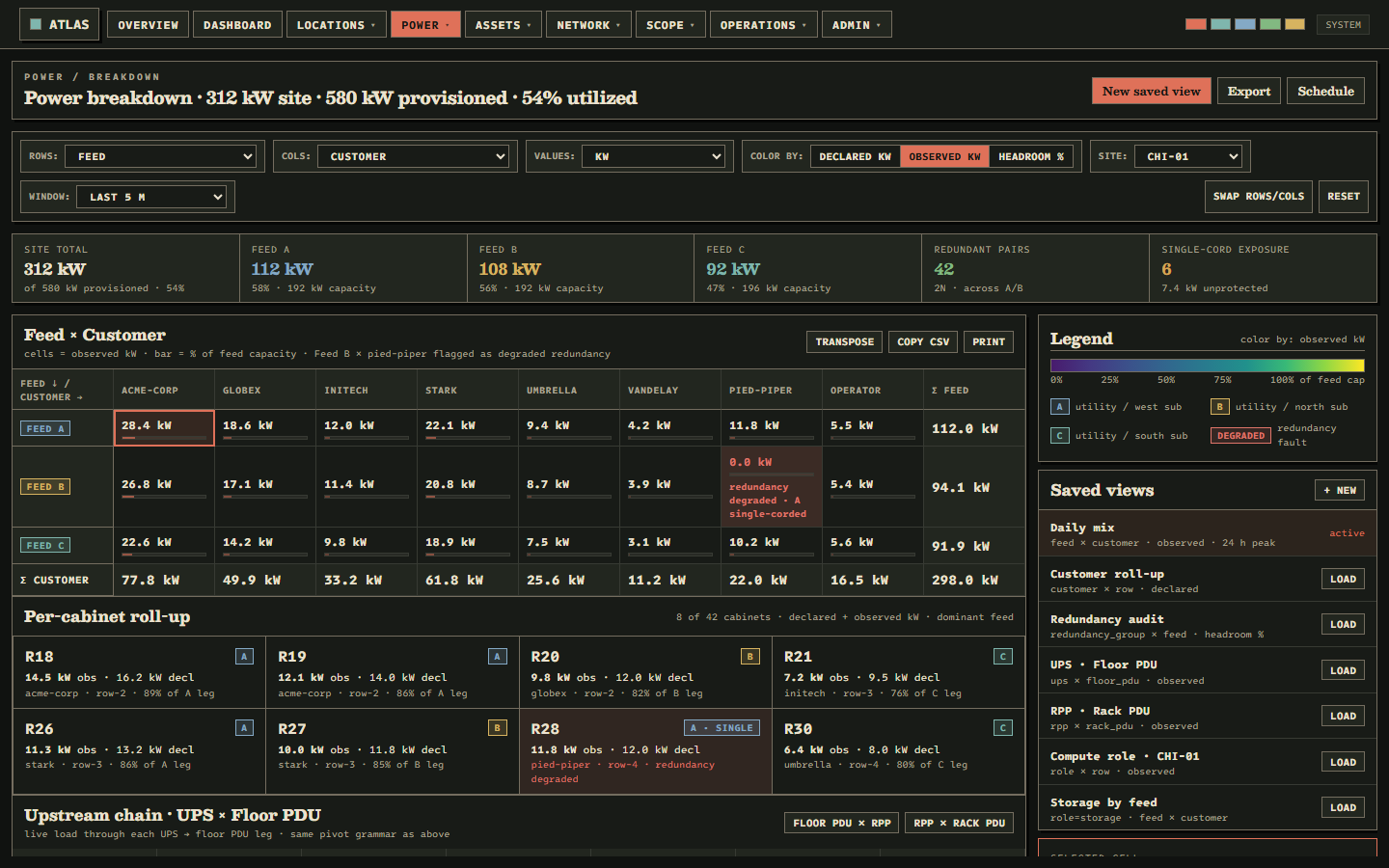
Live readings reconciled against what the breakers can actually take. You see whether a circuit is in trouble before the alarm goes off, not after the cabinet does.
Cables and circuits as one thing
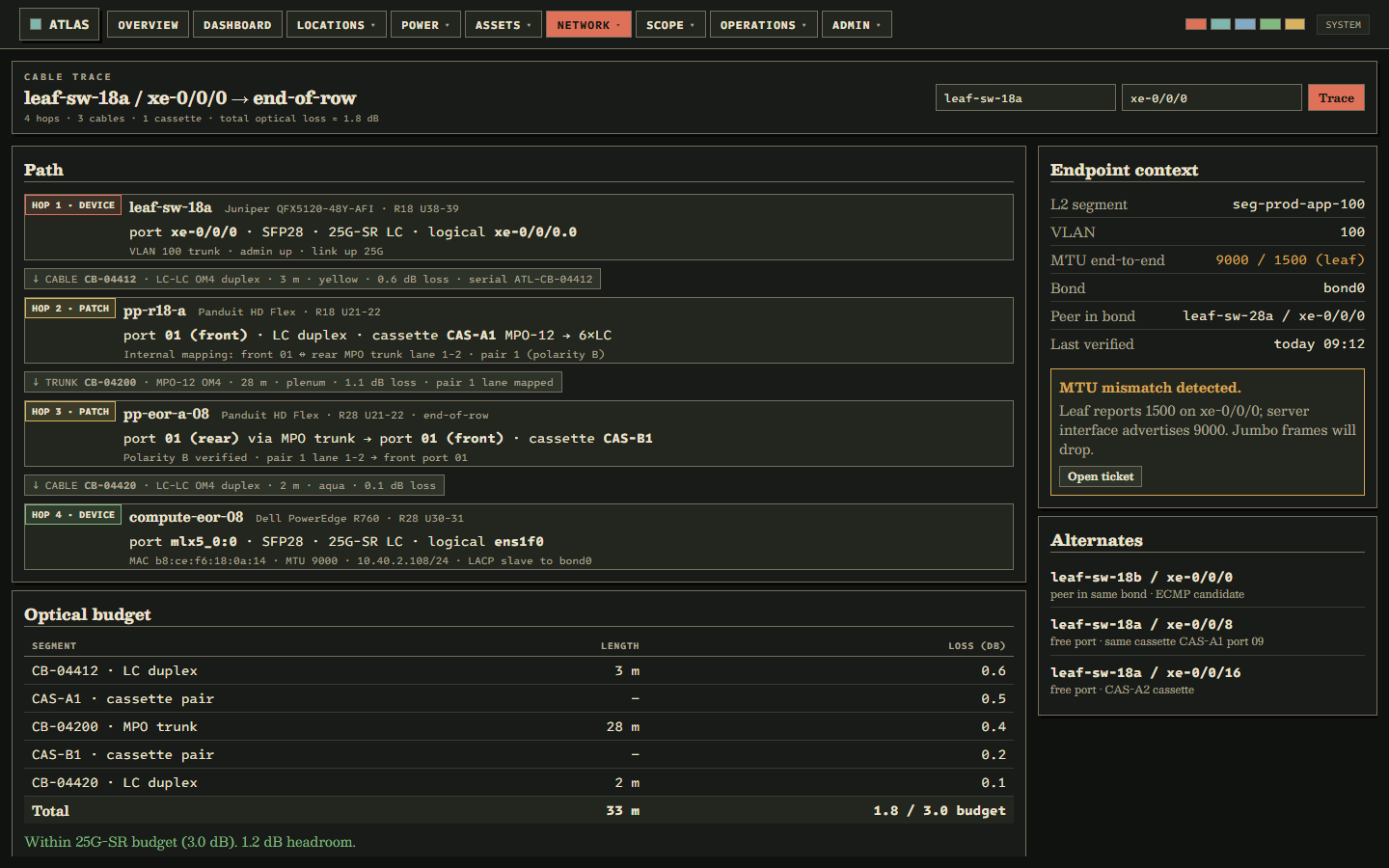
Trace any path end to end in a single click, from front port to carrier handoff. The connections live in the data model, not in a notes field nobody trusts.
Capacity at a glance
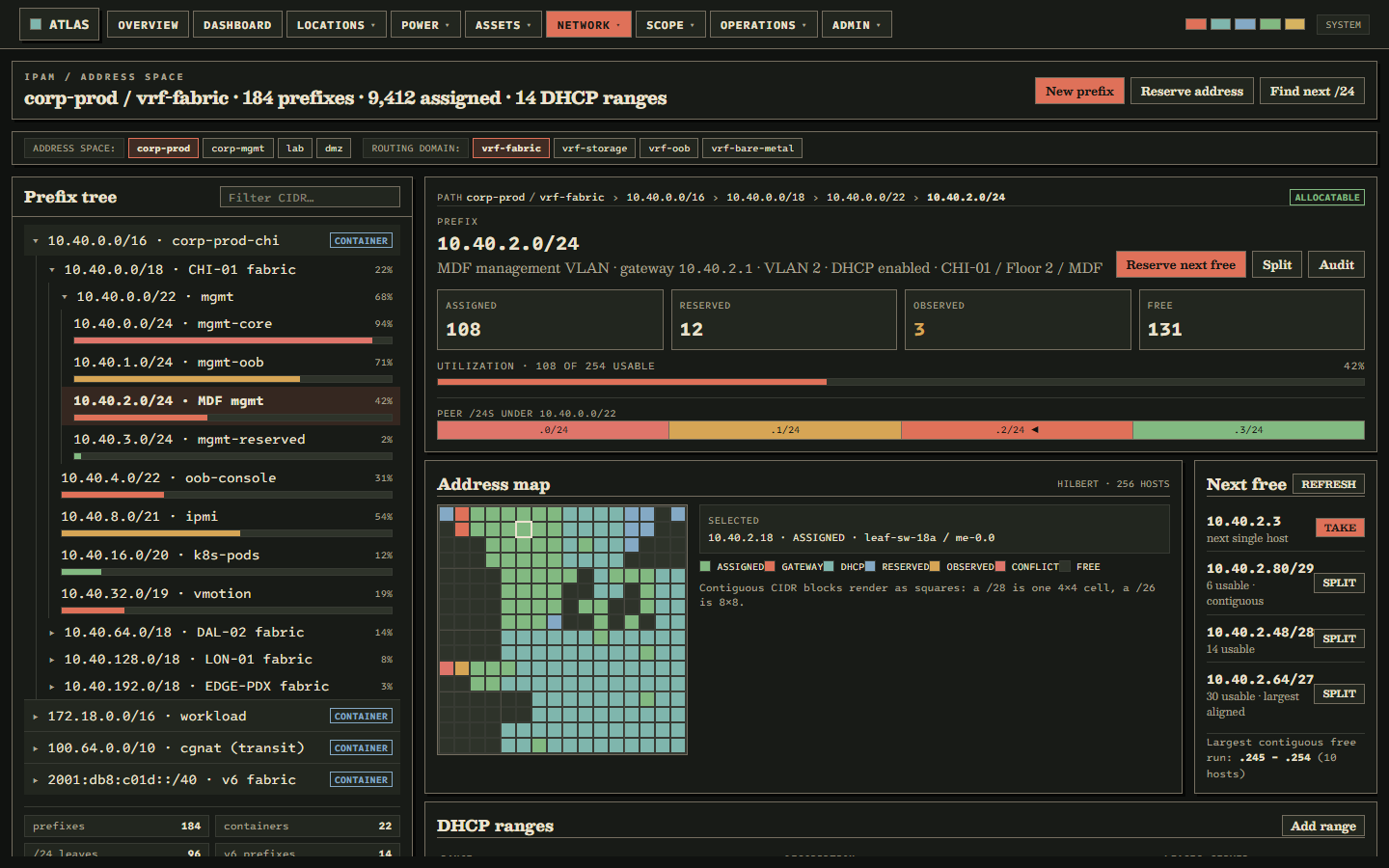
Free U, free amps, free ports, free cooling, by row, rack, cage, and site. Know what fits before you walk the floor with a clipboard.
Audit trail that ends arguments
Every change recorded with who did it, when, why, and what it replaced. Postmortems take ten minutes instead of three days of Slack archaeology.
A look at the screens
Why Atlas exists
Most DCIM software was built by people who toured a data center once. You can tell from the way it moves: the rack view animates instead of renders, the power model lives in a different tab from the assets it feeds, cable runs become free-text notes, and the audit trail quietly expires.
Atlas is built by the people the other vendors were selling to. The ones who get paged when a circuit trips, who plan cabinet moves on short notice, who have spent an evening tracing one bad transceiver. It is opinionated because the people building it have lived inside the problem long enough to have opinions.
Speed is the feature
Speed is not polish. It is what makes a tool disappear in the hand of the person using it. When the rack view opens at the same speed your attention shifts, you stop thinking about the software and start thinking about the room. Atlas is fast because that is the only way it earns the seat it is asking for on the operator's screen.
The operator screen is the product
Other vendors demo the floor plan. We started with the screen the on-call engineer is staring at when something is on fire, because that screen is where the product is worth what it costs, or it isn't.
Early access
If you operate a data center, colo, or edge footprint and want to see Atlas in motion, or want to tell us what it would have to do for your team to actually use it, tell us about it.